AURUM
Systems
Master the AURUM ONE machine, Training App, Coaching App, and the complete client management ecosystem.

Two Apps. One Machine. One Ecosystem.
The AURUM training experience is powered by three integrated components. Before coaching your first client, you must be fluent in all three — the hardware, the training software, and the coaching platform.
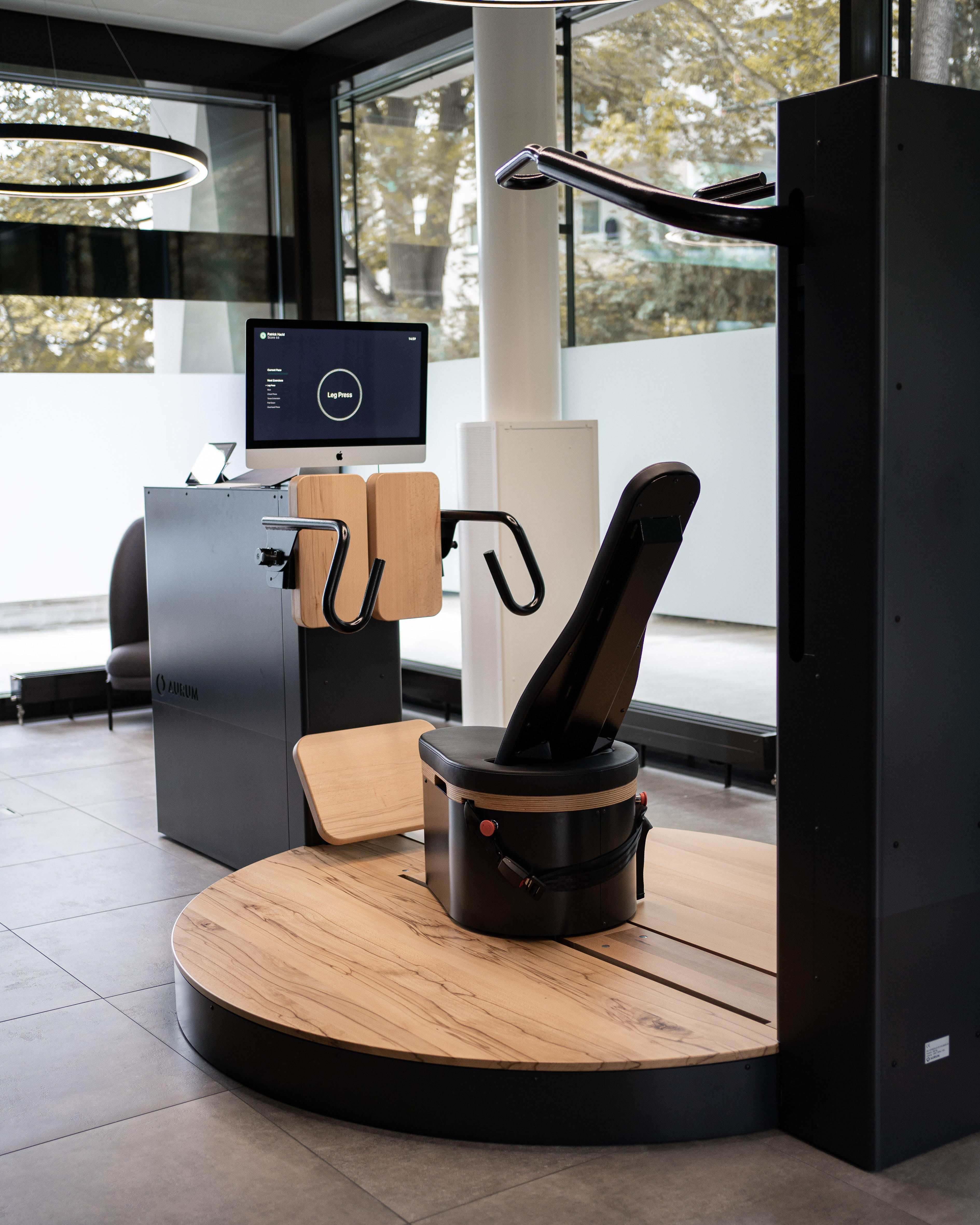
AURUM ONE Machine
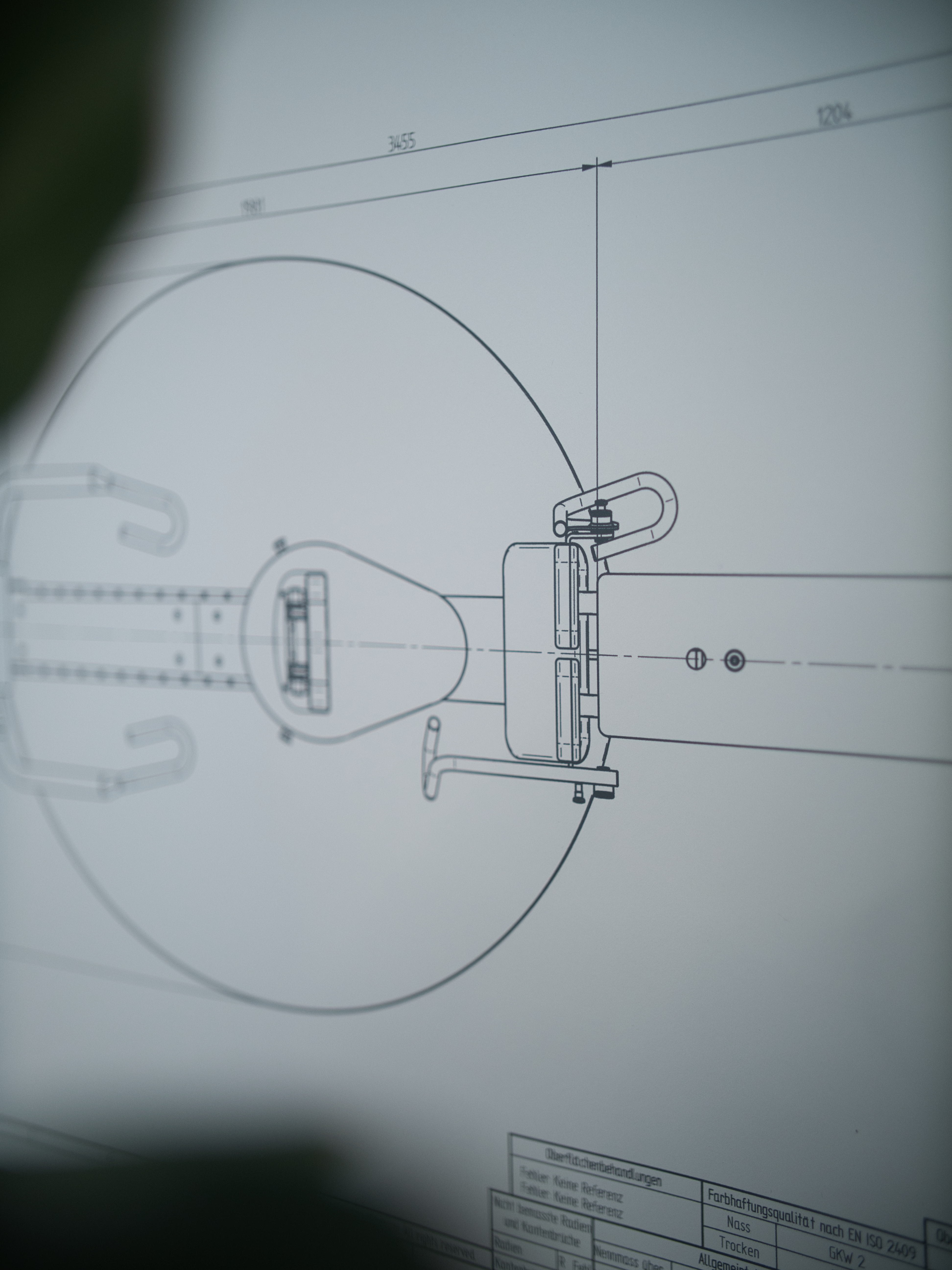
16 precision-engineered components delivering real-time isokinetic resistance. The hardware at the heart of every session.
Training App
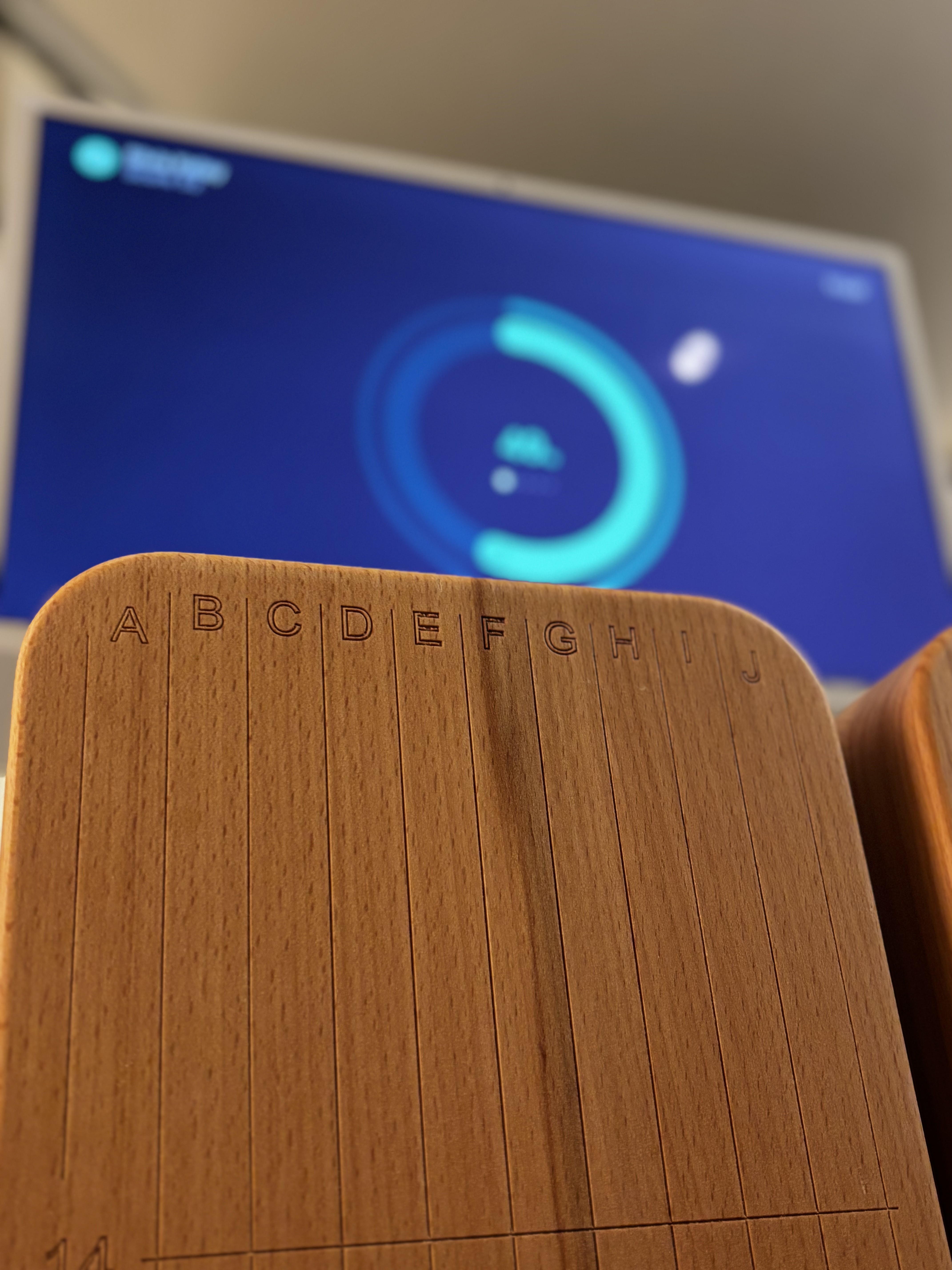
On the machine's touchscreen. Runs workouts, displays live power curves, records performance metrics per exercise.
Coaching App
Web-based client management platform. Intake exams, SMART goals, workout history, and client profiling.
The AURUM ONE:
16 Precision Components
Every part of the AURUM ONE is engineered for one purpose: to deliver the optimal isokinetic resistance stimulus, safely, reproducibly, every session.
- Machine frame & base
- Seat system with adjustment
- Lever arm
- Cable system
- Footrest & handles
- Resistance motor (isokinetic drive)
- Touchscreen display
- Force sensors
- Safety mechanisms
- Power supply & connectivity
From Zero to Workout in 3 Steps
Power On
Turn on the machine hardware — power button at the base
Start MAC
Boot the onboard computer — wait for system initialisation
Start WACOM
Launch the touchscreen interface and AURUM Training App
Select Profile
Load the client's profile — all settings, ROM, and previous data load automatically
Calibrate & Begin
The app guides through calibration. Confirm ROM settings. Press Start. The workout begins.
First Training Protocol
First session: introduce client to machine feel, lighter initial load, coaching-intensive
Second Training Protocol
Second session onwards: full protocol, data comparison begins, progress tracking active
Reading Power Curves: The Coach's Primary Tool
After every exercise, the Training App displays a power curve — the visual fingerprint of how force was applied through the range of motion. Learning to read these instantly is a core coaching skill.
Parallel Curve
Consistent force output across the full ROM. The target pattern. Client is pushing maximally and evenly throughout.
Pine Tree Curve
Strong start, force fading toward end of rep. Often indicates fatigue or early rep effort. Coach: 'Keep pushing through the end.'
Funnel Curve
Force increases over the rep. Client warming into the effort. May indicate hesitancy at start — coach confidence.
Explosive / Erratic
Inconsistent, spiking force. Usually means the client is not controlling speed. Coach: slow down, feel the resistance.
Power curves are visible in real-time during the session and saved permanently in the client's training history.
Five Numbers
That Tell the Whole Story
After every session, five metrics summarise the client's performance. These are the data points you review with clients, celebrate progress, and use to adjust programming.
Output (Watts)
Total power produced across all exercises. The primary measure of overall session performance.
Output Norm
Output adjusted for body weight. Allows fair comparison across clients of different sizes.
Max Force (kg)
Peak force produced in a single rep. The strength ceiling — watch this climb over months.
Weight Equivalent (kg)
Translates isokinetic output into a conventional weight equivalent — useful for client communication.
Balance (%)
Left vs. right side force distribution. Asymmetries >10% warrant attention and correction.
The Coaching App: Know Every Client Deeply
The Coaching App is your client management platform. It stores everything from the first intake through to the latest session data. Mastering it means never walking into a session unprepared.
Dashboard
Overview of all clients, coaches, tasks, and account settings. Your daily starting point.
Client Profiles
Full history: highlights, health data, training issues, goals, notes, and every session.
Intake Examination
8 tabs: Referral, Activity Level, Pains, Medical Condition, Medication, Goals, Personal Info, Contact.
SMART Goals
Set measurable, time-bound goals during intake. Track progress against them every session.
8 Tabs. One Chance
to Understand Your Client.
The intake examination is the most important conversation you will have with a new client. Done properly, it reveals everything needed to personalise their training, anticipate their objections, and keep them long-term.
Referral
How did they find you? Who referred them? Sets relationship context.
Activity Level
Current baseline fitness, exercise history, recent activity.
Pains & Issues
Active pain points, injuries, areas of concern — shapes ROM and load decisions.
Medical Condition
Chronic conditions that affect training — diabetes, hypertension, post-op.
Medication
Some medications affect heart rate response, blood pressure, and recovery.
Goals
Primary motivation — where SMART goal setting begins.
Personal Info
Demographics, occupation, lifestyle factors affecting schedule and stress load.
Contact
Communication preferences and emergency contact details.
You Are Now
the Expert on Every Component.
Knowing the machine and software inside out is not optional — it is the foundation of every confident coaching session. When a client asks 'what does that number mean?' you have the answer.
Next: Module 3 — AURUM Training → The 6 Exercises in Detail